Your process already spans multiple systems. Your workflow should too.
Interactive Dox connects SOP-driven workflows to people, AI agents, APIs, scripts, and supported business systems so work can move without unnecessary manual handoffs.
Use the right connection for the task.
API
For direct, structured system actions.
Script / utility
For deterministic processing.
AI agent
For interpretation and reasoning.
Human
For judgment, approvals, and exceptions.
One workflow, several kinds of executor.
Follow one illustrative process as it moves between a system, a script, an AI agent, a person, and an API, with each handoff recorded.
- 1Start from the SOP for the processSOPstarted
- 2Retrieve the submitted dataSystemcompleted
- 3Validate the fields with configured rulesScriptcompleted
- 4Interpret an exception the rules cannot resolveAI agent, only for exceptionsnot needed
- 5Approve the changePersonapproved
- 6Update the destination systemAPIupdated
- 7Send the configured notificationSystemsent
Records kept as the work progressesIllustrative workflow: one process across executors
Supplier details update
this run: fields validate
- workflow started from the SOP
- submitted data retrieved
- field validation recorded
- approval recorded
- destination system updated
- notification sent
Generic system labels. Which systems a workflow can reach depends on the integrations and APIs available for your process.
Integration is also an AI-efficiency decision.
If a system already exposes the answer through an API, the workflow can use that path instead of asking an AI agent to reproduce the same deterministic action.
What connects today.
Bring in what your teams already wrote, send it back to the tools they use when you choose, reach people in the channels they work in, and let your own AI tools and systems use the same approved knowledge. Nothing gets locked in.
- Your AI toolsClaude, Cursor, Copilot and your own agents answer from the same approved knowledge
- Your own systemsyour software can read, search and update knowledge through the API
- Your docs toolsConfluence, Notion, GitHub, GitBook, Mintlify and ReadMe: connect once, then bring pages here or send them there when you choose
- Teams · Slackresults and questions reach your team in the channels they already use
- Your LMStraining goes to SCORM Cloud, or any LMS that takes SCORM; guides go anywhere by link or embed
- Take it out any timeas PDF, Word, HTML or Markdown, with the full history; nothing is locked in
Connect a tool once. Every portal can use it.
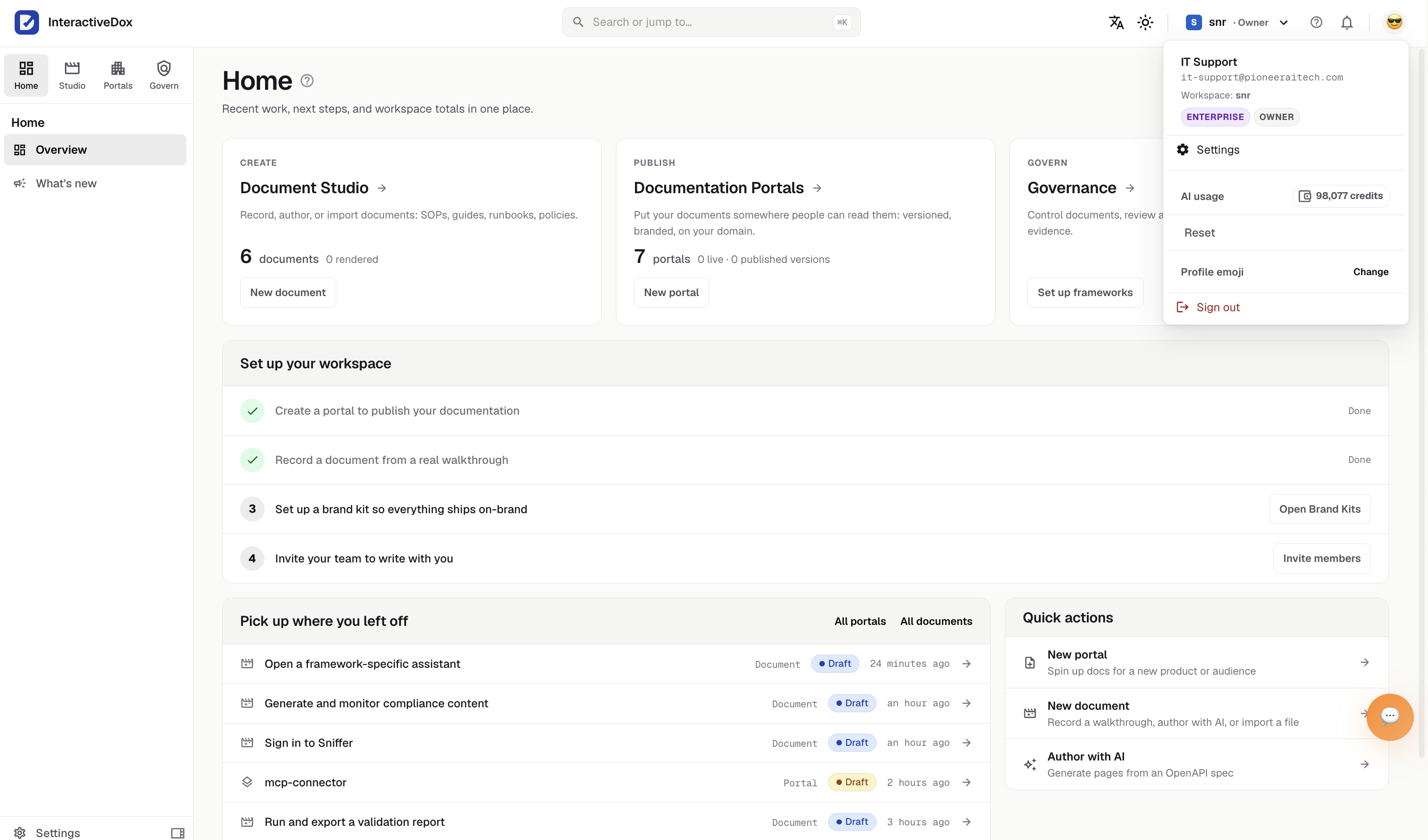
Connect Confluence, Notion, GitHub or GitBook once per workspace; every portal can then sync, import and notify through it.
Integrations questions, answered.
Which systems does Interactive Dox connect to?
Documentation tools including Confluence, Notion, GitHub, GitBook, Mintlify and ReadMe (push to and pull from on demand, not live two-way sync); notifications to Microsoft Teams, Slack and email; SCORM delivery to your LMS; your own AI tools through MCP; and your own systems through the API. What a workflow can reach beyond that depends on the integrations and APIs available for your process.
Is there an API?
Yes. API keys are created in the admin app, hashed at rest, shown once and revocable; your systems can manage members and content through the API with the same permission checks as the admin app.
Does connecting a tool mean a live two-way sync?
No. The named documentation tools push and pull on demand. A workflow step uses the connection configured for it, such as an API call, a script, or a notification.
Can we take our content out?
Yes. Portal content is Git-backed and versioned, and exports are available, so knowledge is portable rather than locked in.
Connect the process, not just the documentation.
Bring one process that spans several systems and see which connection fits each step.
Book a demo around one real SOP.
Leave your work email and we'll follow up to arrange a demo built around one of your procedures.